Prismap - Gradient Map for Aseprite
A downloadable tool
Paint once, recolor infinitely.
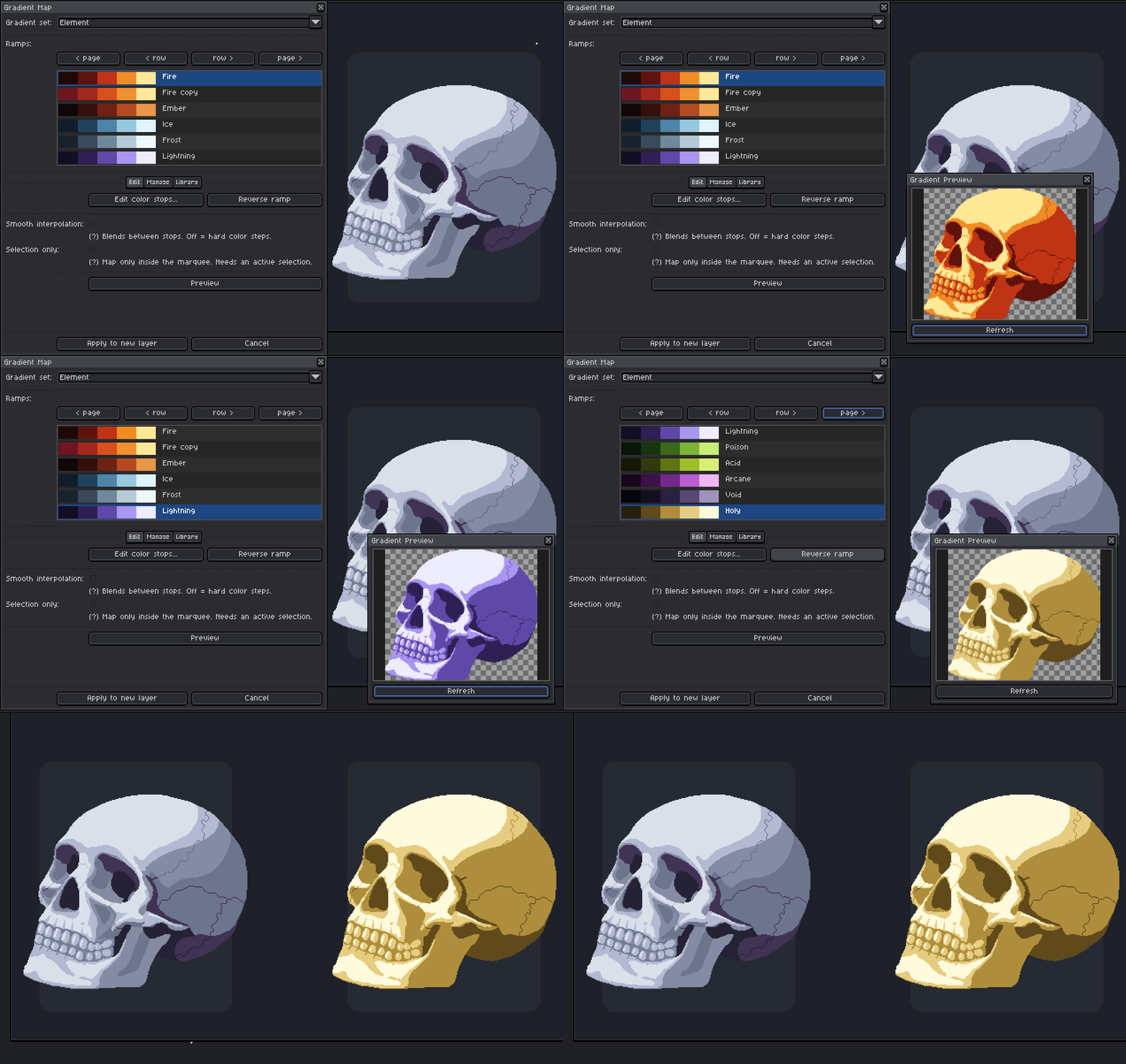
Prismap adds a Gradient Map command right to Aseprite's Edit menu. Point it at any layer and it recolors the art by brightness through a gradient ramp you can make and control . No manual recoloring required.
I made this because I got tired of two things: never having my gradient ramps saved somewhere I could actually see them, and having no fast way to recolor a sprite through those ramps. I'm working on two games right now, and being able to just swap to the ramps I use constantly saves me a stupid amount of time. So I built the tool I wanted.
What it does
- Luminance-based recoloring - shadows, midtones, and highlights map onto the colors of your ramp automatically.
- Live preview window - see the result before you commit; it follows your active layer, frame, and selection.
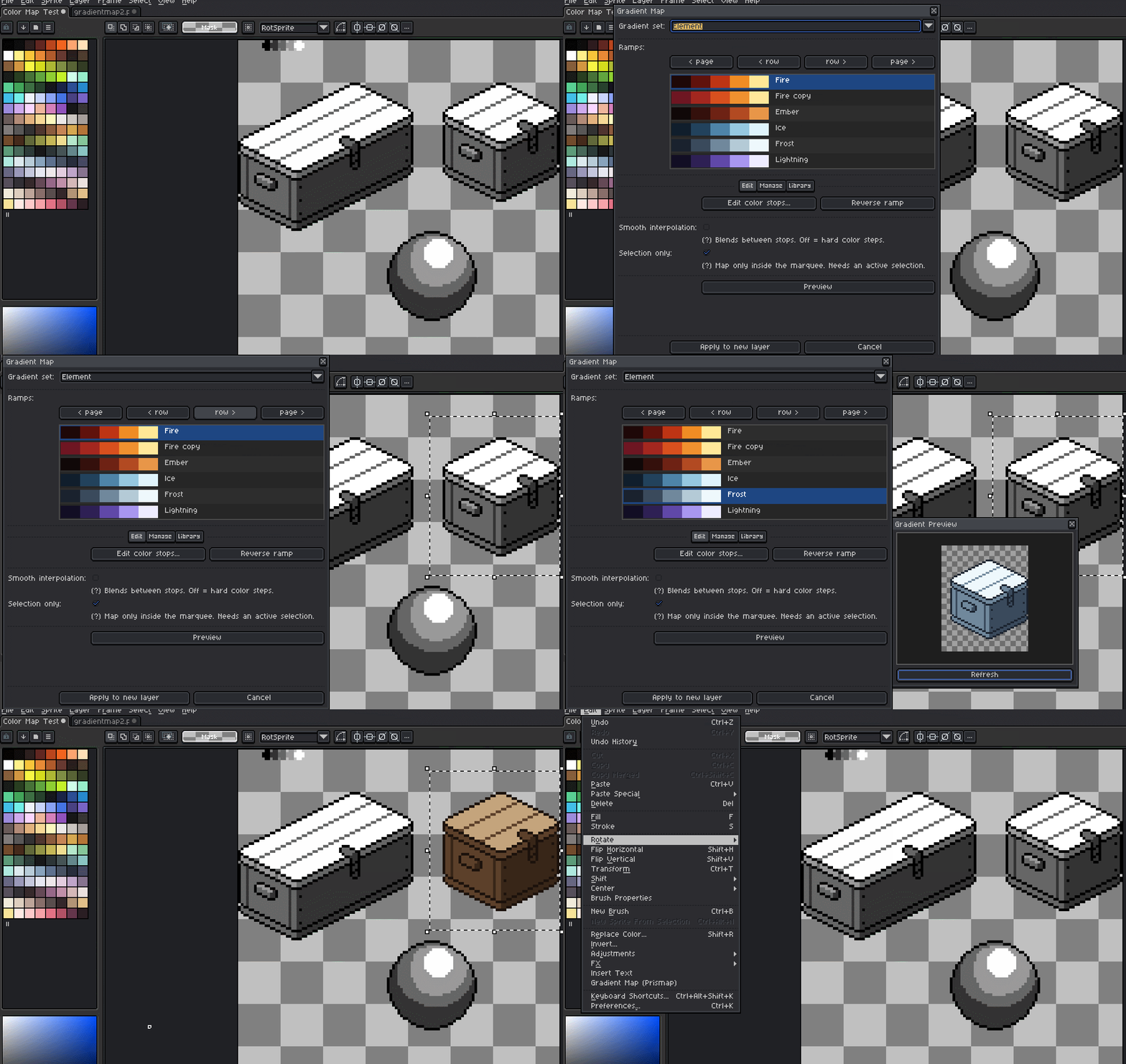
- Non-destructive - always applies to a new layer above your original. Your source art is never touched.
- Smooth or hard-band - blend colors smoothly, or flip to hard steps to ensure strict color guides.
- Selection-only mode - recolor just what's inside the marquee, leave the rest alone.
Build your own library
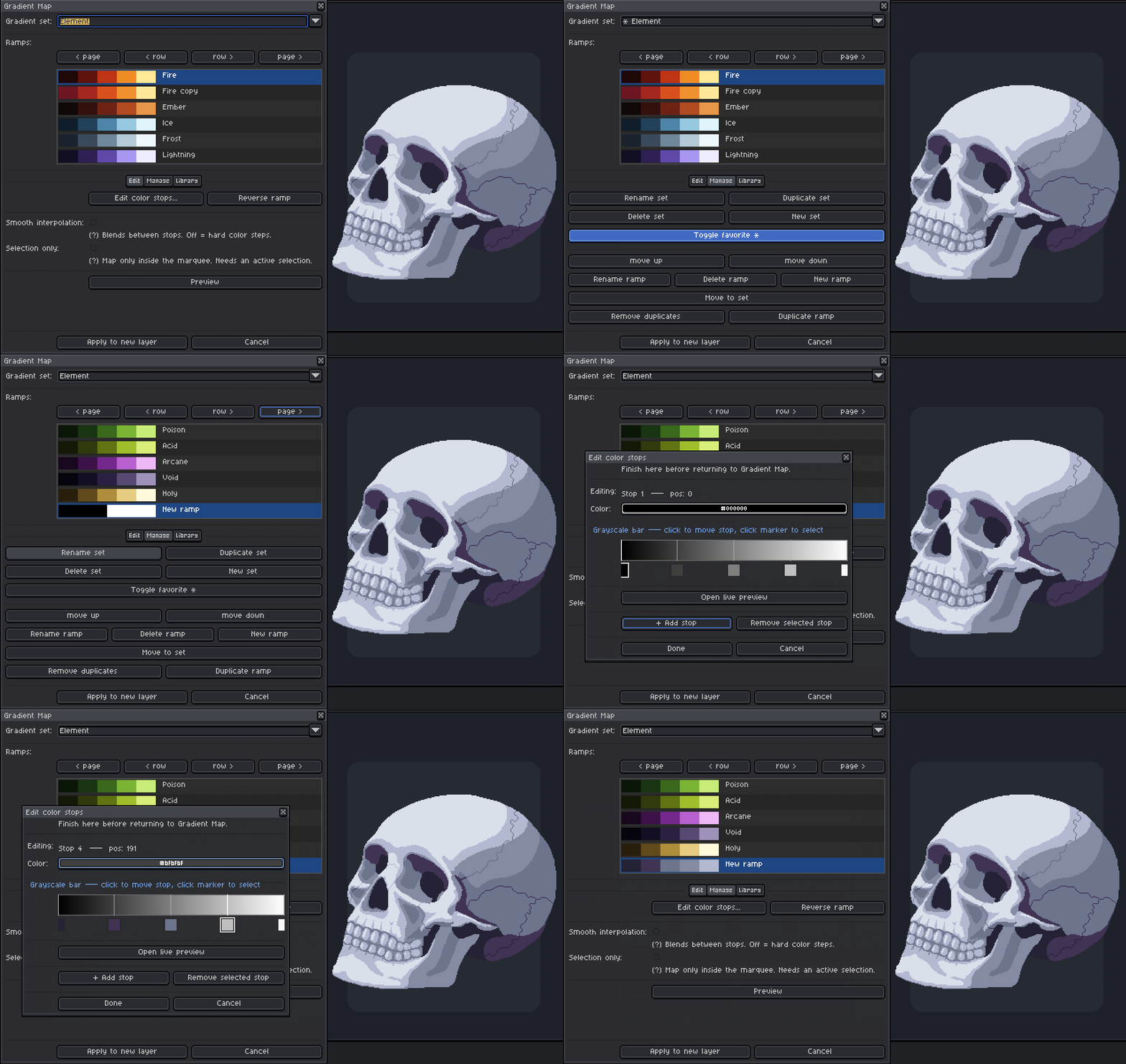
- Full ramp editor - add, move, recolor, and sample color stops (up to 8) on an interactive grayscale bar.
- Organize into sets - group ramps however you like: by material, by character, by mood.
- ⭐ Favorites - star the sets you reach for most and they jump to the top of the list.
- Import / Export - share ramp libraries as JSON.
- Bundled starter library - ships with ready-to-use sets: Metal, Nature, Element, Sky, Value, Skintone.
Made for real workflows
- Palette swaps and recolor variants in seconds
- Fast cel-shading and value studies
- Consistent lighting/mood across a whole sprite sheet (maps every frame)
- Turning a grayscale value pass into finished color
Prismap's code was built with AI assistance. All artwork and design are hand-made by me. All testing, refinement, and direction were mine. Made by Shrine (me) and Glyph (the resident Starboy).
What's included
- The Prismap extension (
.aseprite-extension) — one-click install - 6 bundled gradient sets to start from
- Built-in Help and About, right in the tool
Requirements
- Aseprite v1.3 or newer (Lua scripting + extensions)
- Works on RGB sprites
How to install
- Download
Prismap.aseprite-extension. - In Aseprite: Edit ▸ Preferences ▸ Extensions ▸ Add Extension, pick the file.
- Find it under Edit ▸ Gradient Map (Prismap). That's it.
Purchase
In order to download this tool you must purchase it at or above the minimum price of $10 USD. You will get access to the following files:
Leave a comment
Log in with itch.io to leave a comment.